
Slack messages, scheduled with the thread reply already written
Schedchie is a Slack scheduler for social media managers and agencies: up to 15 Slack accounts and no post limits for €9.99 a month, flat, on one calendar with 19 other platforms.
Pick the workspace and channel on Slack’s own install screen, then write and schedule from Schedchie. Text up to 4,000 characters or text with an image, link previews on or off, and a reply in the thread the moment the post is out.
14-day free trialCancel anytime, no questions asked
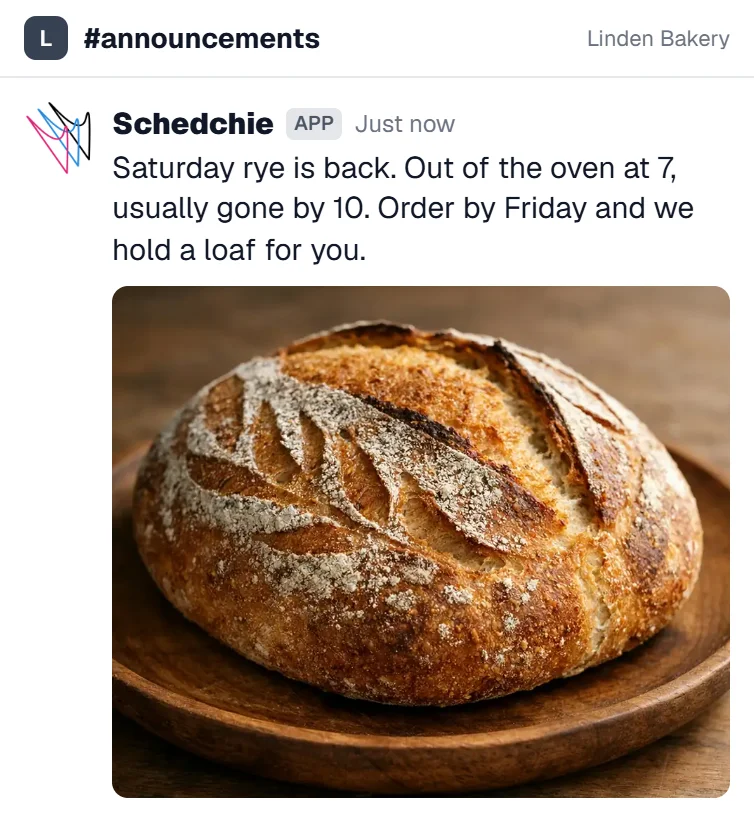
What you can schedule on Slack
4,000-character messages, sent as text or with an image
- Messages
- Up to 4,000 characters, with [text](url) links turned into Slack links
- Image posts
- An image sent with the text as one message
- Thread reply
- A second message posted under the first as soon as it goes out
- Link previews
- On or off for each post
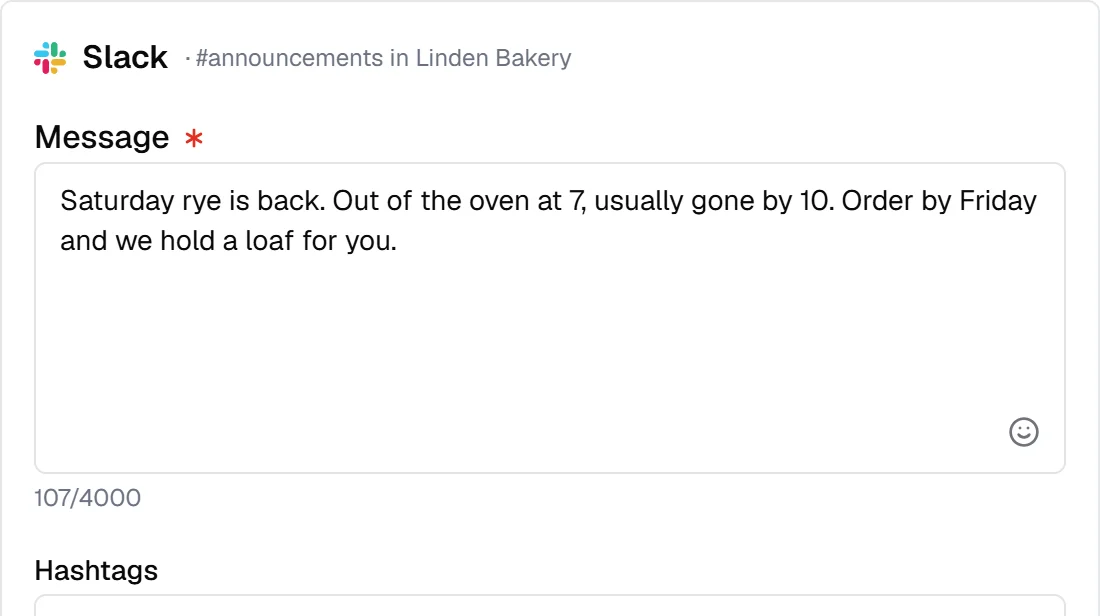
How Schedchie handles Slack
- Slack’s own install screen
- You choose the workspace and the channel on Slack’s screen. There is no token to paste and no webhook to copy.
- One connection per channel
- Each connection posts to one channel. Connect again for the next one, in the same workspace or another.
- A link to every message
- Each published post carries its Slack link, one click from the calendar to the message in the channel.
Announcements in the same batch
Connect each channel once. From then on Slack is another row in the same weekly batch as your social accounts, with its own text where you want it: the release note in #announcements on Monday, the meetup reminder in #general on Thursday, the details in the thread.
Slack posting record
Schedchie reports no Slack figures. It keeps the record instead: what went out, when, to which channel, with the link to each message.
Slack is included in the flat €9.99 plan: up to 15 accounts, no post limits. Ultra (€24.99) covers unlimited accounts.
from €4.99
See pricingConnecting SlackSlack limitsSchedule Slack messages from an AI assistant
Slack questions
Where do I pick the Slack workspace and channel?
On Slack’s own install screen, when you connect. Then write the post and pick the time, and Schedchie posts there at the time you set.
Can I connect several channels or workspaces?
Yes. Each channel is one connection, so connect again for the next one, in the same workspace or another. Pro covers up to 15 of them, Ultra unlimited, with no per-account fees.
What is the thread reply?
An optional second message that Schedchie posts in the thread under your post, right after it goes out. Put the sign-up link or the long version there and keep the channel to one short message.
Can I turn link previews off?
Yes, for each post. With previews off, a link stays a link and Slack draws no preview under it.
Can it send direct messages?
No. Schedchie posts to channels only.
Can I schedule Slack with my other platforms in one place?
Yes. Schedchie is one social media scheduler for 20 platforms: Instagram, Facebook, TikTok, LinkedIn, Pinterest, YouTube, Threads, Bluesky, Mastodon, Telegram, Google Business Profile, Discord, Slack, WordPress, Dev.to, Hashnode, Ghost, Pixelfed, Listmonk and X (posting to X is paid in X credits, from €4.99). Pro is €9.99 a month for up to 15 accounts on each, 300 in all, with no post limits.
Can I schedule Slack messages from ChatGPT or Claude?
Yes, on every plan from €9.99, trial included. Point Claude, ChatGPT, Cursor or VS Code at mcp.schedchie.com and sign in on Schedchie's own page; your assistant can schedule, edit and retry Slack messages. Claude gets up to 88 tools, ChatGPT a core set of 14 (scheduling from ChatGPT needs its Business, Enterprise or Edu plan).
Schedule Slack with no per-post charge
Start free trial14-day free trialCancel anytime, no questions asked
Compare
- Schedchie vs Buffer
- Schedchie vs Hootsuite
- Schedchie vs Later
- Schedchie vs Metricool
- Schedchie vs Typefully
- Schedchie vs Postiz
- Buffer-Alternative (DE)
- Hootsuite-Alternative (DE)
- Later-Alternative (DE)
- Postiz-Alternative (DE)
- All alternatives
- The cheapest social media scheduler
- The best social media scheduler
- The AI social media scheduler
Platforms
- Instagram scheduler
- Facebook scheduler
- TikTok scheduler
- LinkedIn scheduler
- Pinterest scheduler
- YouTube scheduler
- Threads scheduler
- Bluesky scheduler
- Mastodon scheduler
- Telegram scheduler
- Google Business Profile scheduler
- Discord scheduler
- Dev.to scheduler
- Hashnode scheduler
- WordPress scheduler
- Listmonk scheduler
- Ghost scheduler
- Pixelfed scheduler
- X (Twitter) scheduler