
Every publishing feature, €9.99 flat
Schedchie is the cheapest social media scheduler per account, for social media managers, agencies and small businesses: €9.99 a month for up to 300 accounts on 20 platforms, about 3 cents an account. Monthly billing, cancel anytime.
Everything on this page is in the €9.99 plan except team seats, approvals and client connect links (Ultra plan, €24.99).
14-day free trialCancel anytime, no questions asked

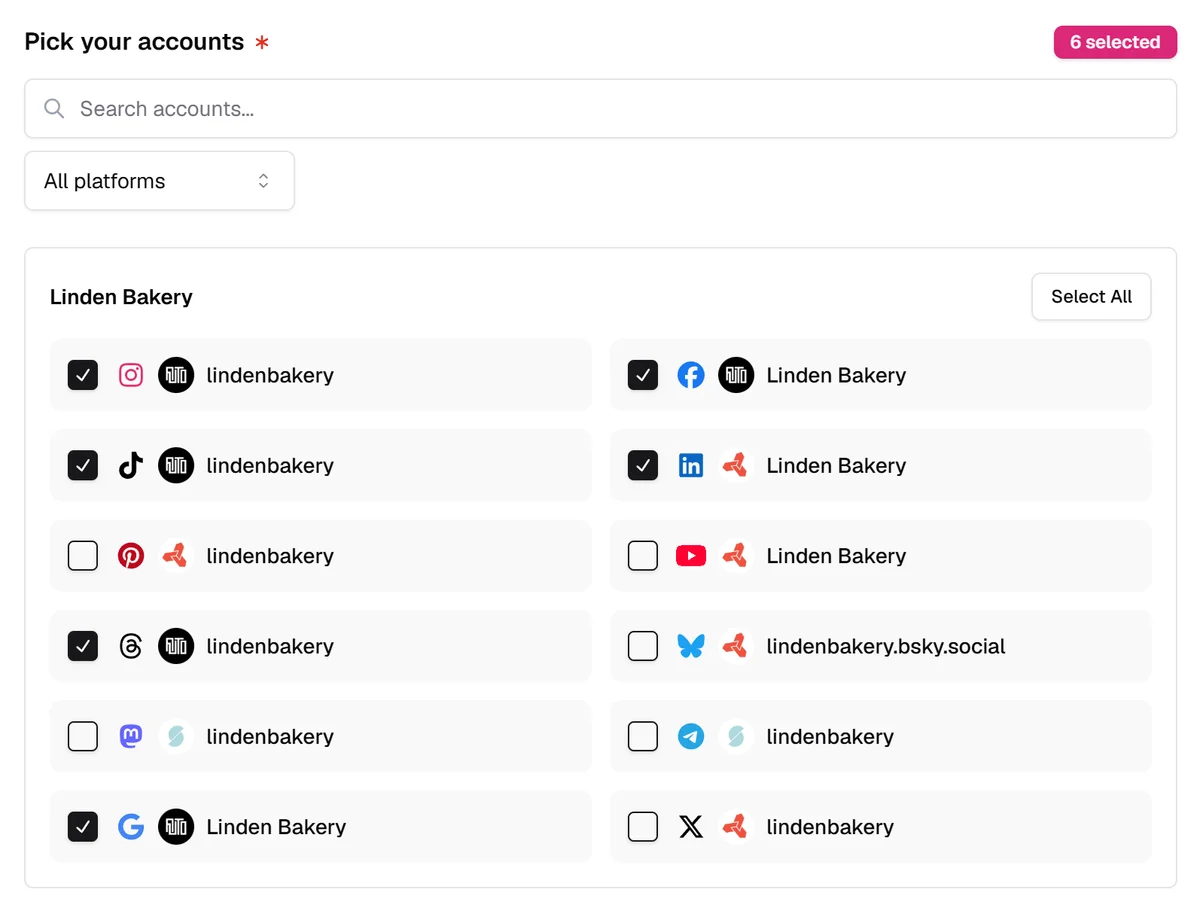
One post, twenty networks, each in its own format
Separate text, hashtags and media per network or per account when needed, one shared version when not.
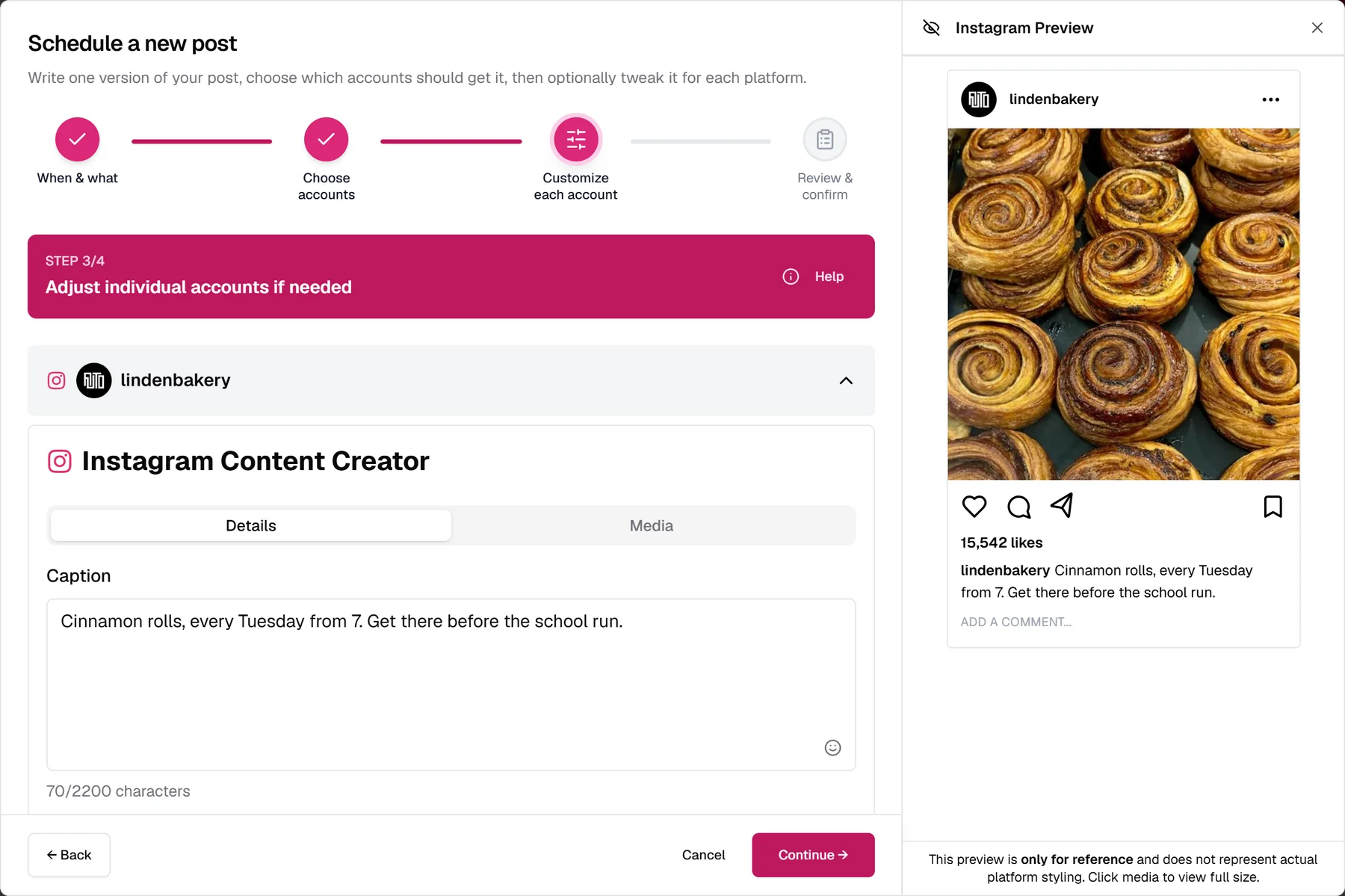
Every format
- Reels with custom covers
- Stories
- Carousels
- Shorts
- TikTok photo posts, up to 35 images
- LinkedIn polls and documents
- Pinterest pins
- Google Business Profile events and offers
- Mastodon polls
- Previews and counters: a preview per network, and counters that count its way: links as 23 characters on X and Mastodon, graphemes on Bluesky. Files a network would refuse are flagged, with the reason.
- Presets per client: a Group's defaults (TikTok privacy, YouTube made-for-kids and more), saved once for every new post.
200MBper video, uploaded in the background, resumable
15minthe longest video, at full quality wherever accepted
Your original files, from your device or Google Drive
Our media processing keeps every photo and video as sharp as each platform allows. Wherever a platform accepts your original, the original is what goes out. iPhone HEIC photos convert on upload.
Or pick them in Google Drive from the composer, the CSV import or the per-platform uploader: Schedchie fetches them directly. Nothing downloads to your phone, and it sees only what you pick.
Schedule to the minute, or on repeat
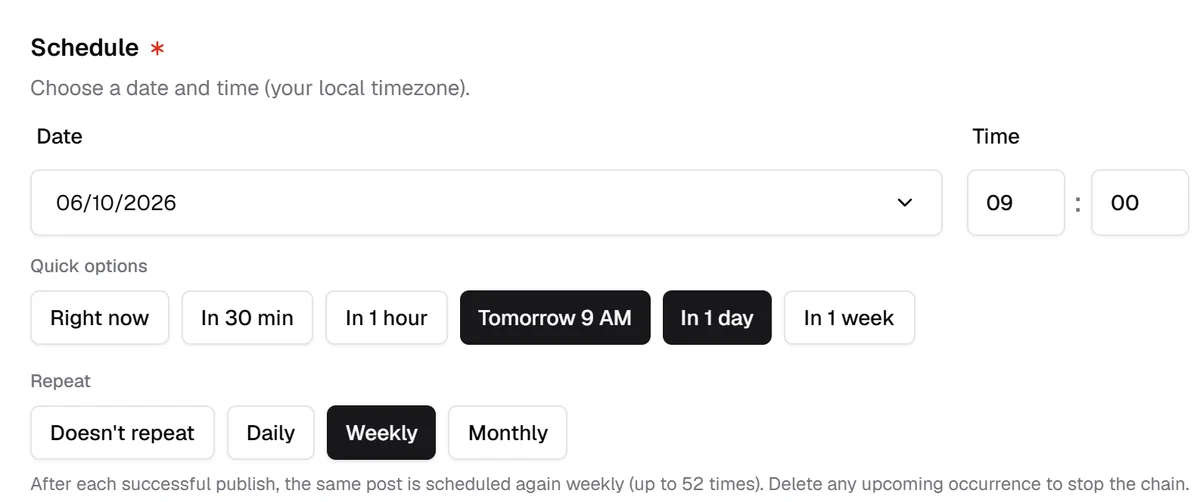
- Post now or later: right now, in 30 minutes, tomorrow at 9 or at any minute you pick.
- Recurring posts: daily, weekly or monthly, up to 52 times. The next is scheduled once the last went out on every account.
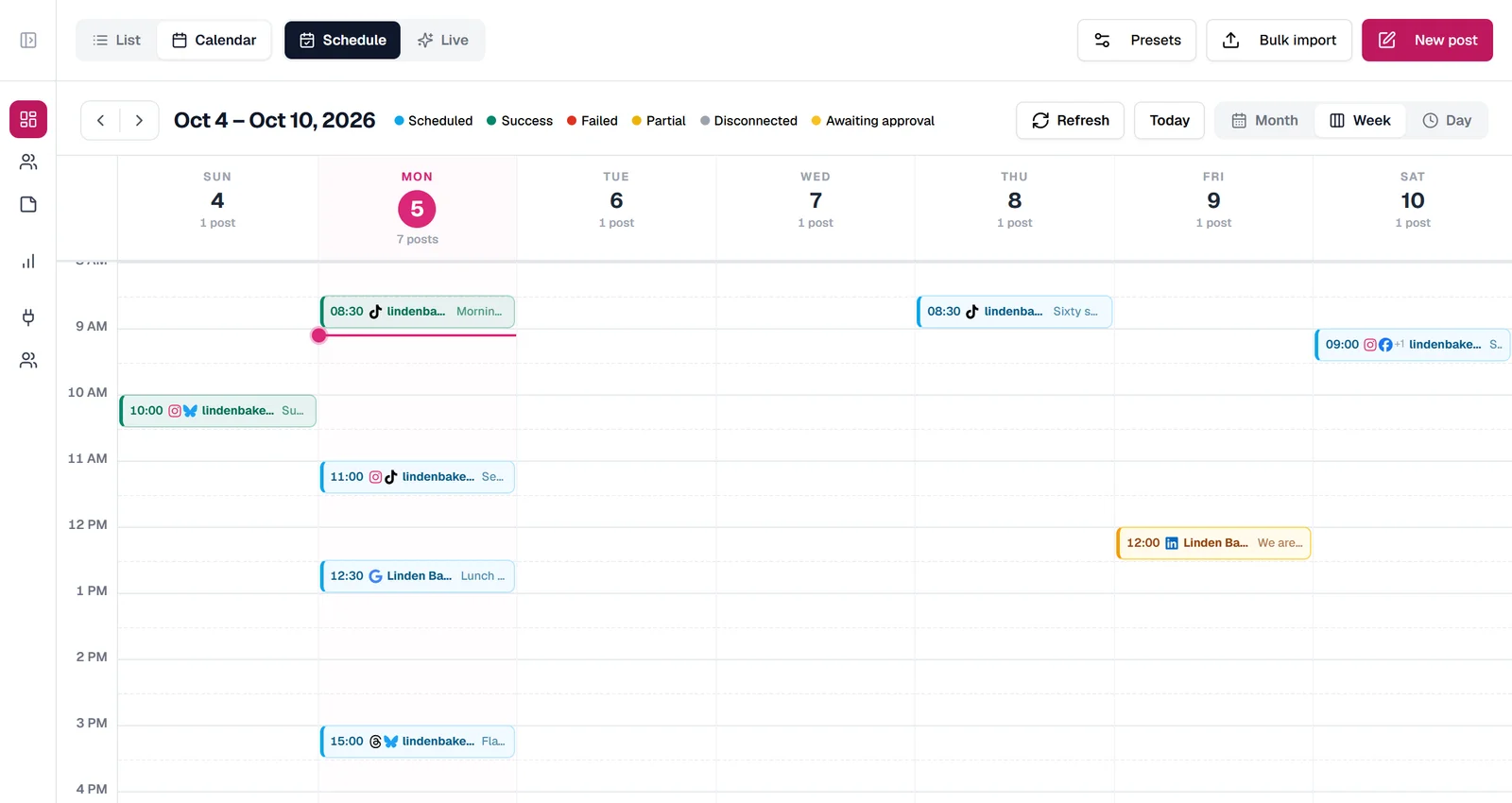
Your calendar, and what is actually live
- Calendar and list: month, week and day views with thumbnails, and a list filtered to one client's failed Instagram posts in two clicks.
- Live view: what is actually on each account, posts made outside Schedchie included, with their numbers. Reply to comments on Facebook, Instagram, LinkedIn, Threads, Bluesky, Mastodon, TikTok and YouTube there. On Threads you can also hide other people's replies, delete your own and approve the ones you held. On YouTube you can also hide or remove comments and delete a published video.
- Notes and drafts: ideas with tags and dates become posts in one click; drafts save as you type.
- On your phone: agenda, composer, CSV import and approvals in your phone's browser.
Publishing you can leave alone
When a platform is briefly down, Schedchie tries again on its own. A post is never sent twice. If a post still misses, we email you with the account and why.

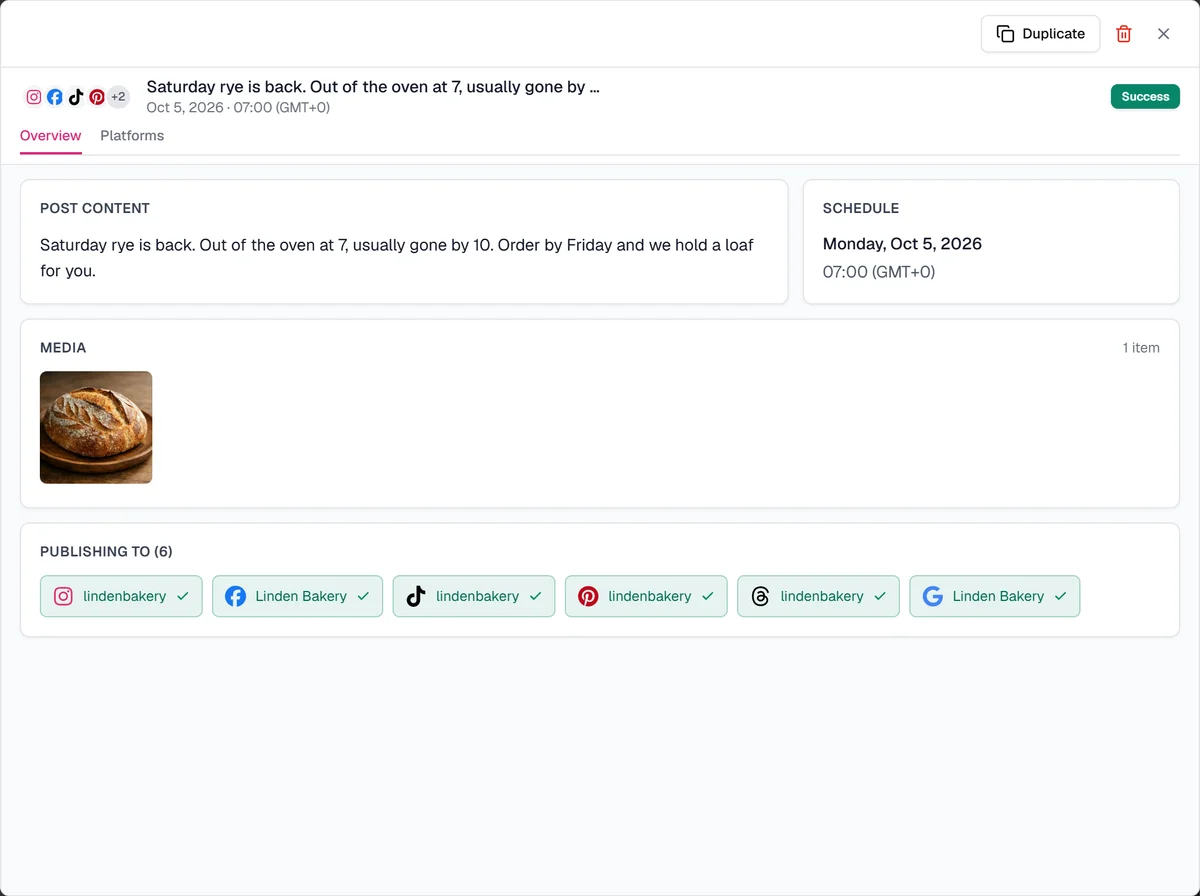
Connections looked after: connections renew daily. If an account needs reconnecting, you see it in the dashboard and in your inbox, and its posts go out once you reconnect.
Schedchie publishes to twenty platforms
All of them in every plan, X included. Pick one to see what you can post there.
One Group per client, one login per assistant
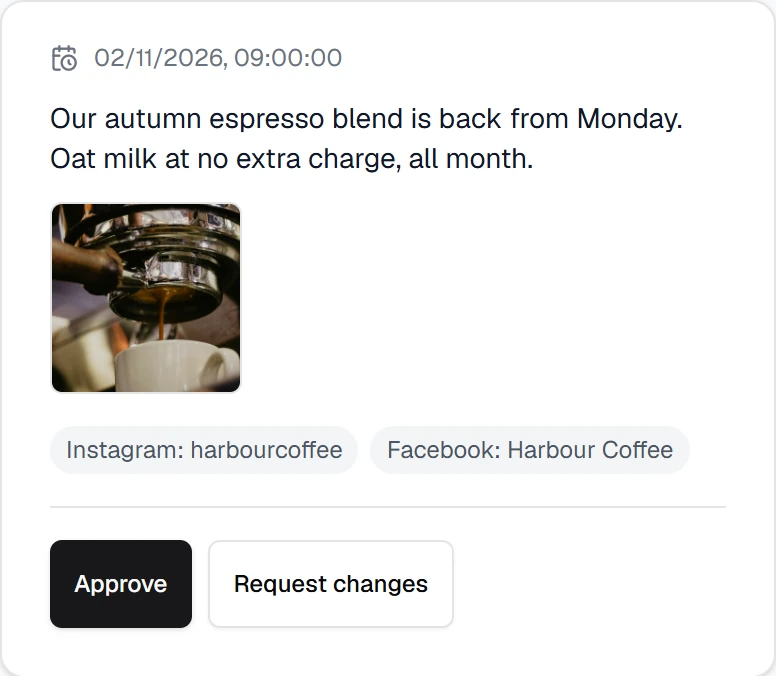
A Group per client, each with its own calendar and accounts, and Groups are unlimited on every plan. Client review links are on every plan too: your client approves upcoming posts in the browser, no account needed.
The Ultra plan (€24.99) is for larger workflows: up to 3 teammates or virtual assistants, free on their side (10 on Enterprise), post approvals, Group-limited access and client connect links.
Analytics on twelve platforms, one page
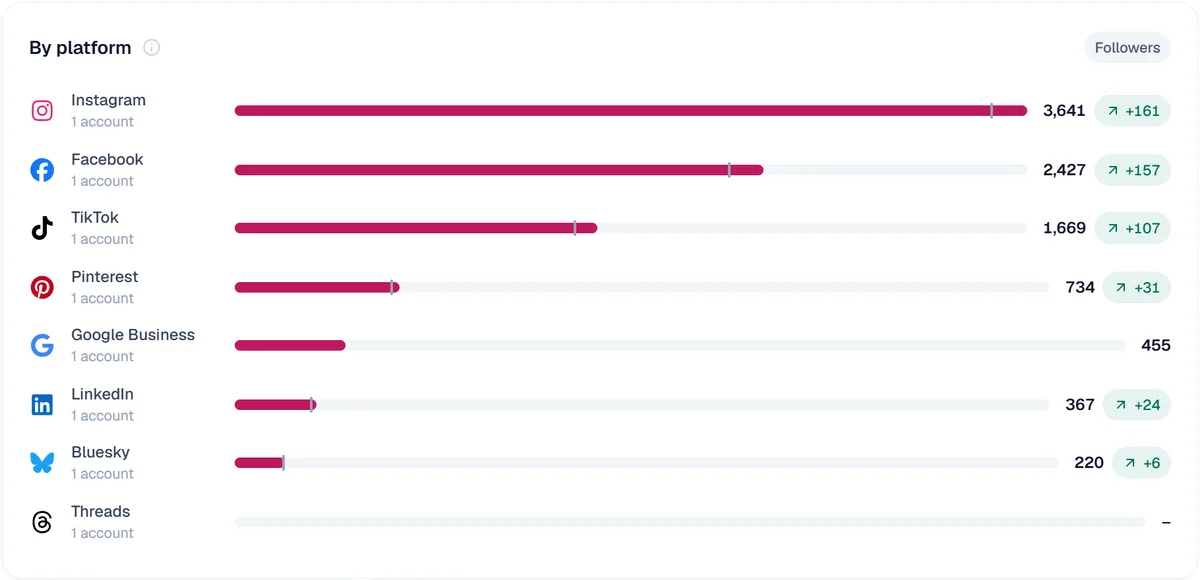
Followers, views and engagement from the networks, any range up to a year, against the period before, with each platform's own depth where it reports it: reach, saves, watch time, retention, traffic sources and audience by age, gender and country. One overview adds every account up; the overview and each account's posts export to CSV.
A month of posts in one CSV
Two columns are required, datetime and text; an optional media column takes filenames, several per row separated by a semicolon. Example row: 2026-11-03 09:00,Pumpkin loaf is back,loaf.jpg
- Media too
- List filenames in the file and add the files from your device or Google Drive, several per row.
- No row limit
- Any of the twenty networks, every account you pick, a licensed TikTok track per row if you want one.
- Platform fields
- YouTube title, category and privacy filled in, post types too; the Pinterest board, TikTok privacy and YouTube declarations picked once.
- Checked like a composer post
- Approval holds included. Bad dates, over-limit captions and missing files are reported per row; the rows to fix download as a CSV.
- Edit in bulk
- Move up to 200 posts by days, to a new date or to another client's Group, and duplicate any post with its media.
Bring your own assistant
Connect ChatGPT, Claude, Cursor or any MCP client to schedule, retry and report on posts, under the same approvals as everyone else. Opt-in, on every plan, trial included.
14 days on your own accounts, then €9.99 a month
Pro, if you run your accounts on your own, up to 15 on each platform. Ultra for unlimited accounts and larger workflows: three invited members, post approvals, client connect links, priority support and new features first.
Start free trial14-day free trialCancel anytime, no questions asked