
Schedule Discord posts with no bot in your server
Schedchie is a Discord scheduler: unlimited accounts and posts for €7.99 a month, flat.
Pick the server and channel on Discord’s own screen, then write and schedule from Schedchie. Text up to 2,000 characters, images and video files up to 20 MB each, polls and silent posts. Nothing joins your member list.
14-day free trialCancel anytime, no questions asked
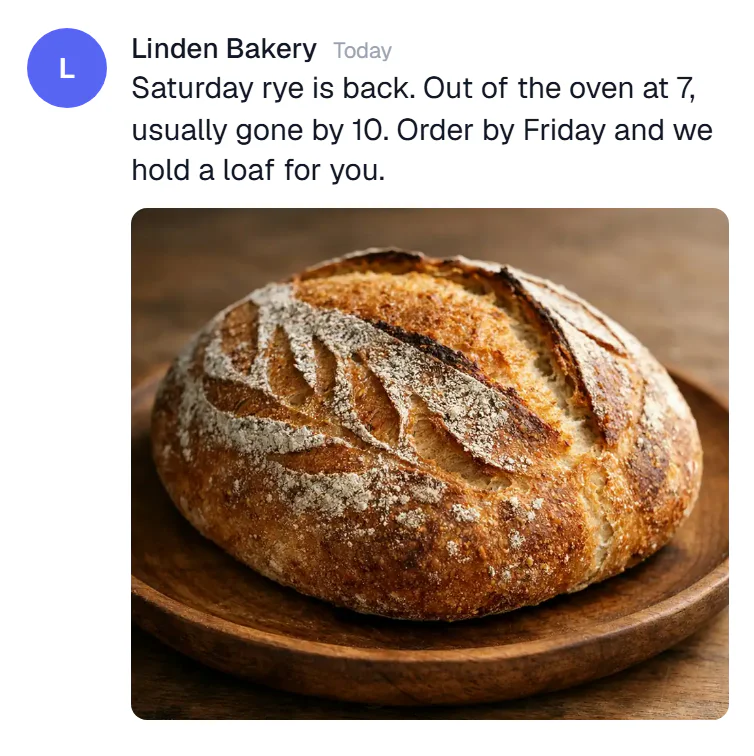
What you can schedule on Discord
2,000-character messages, with images and video files up to 20 MB each
- Messages
- Up to 2,000 characters
- Images and video files
- Up to 20 MB each and 10 to a post, 25 MB in total per post
- Polls
- 2 to 10 answers, open for up to 32 days, with the results in Schedchie
- Silent posts
- Delivered with no notification
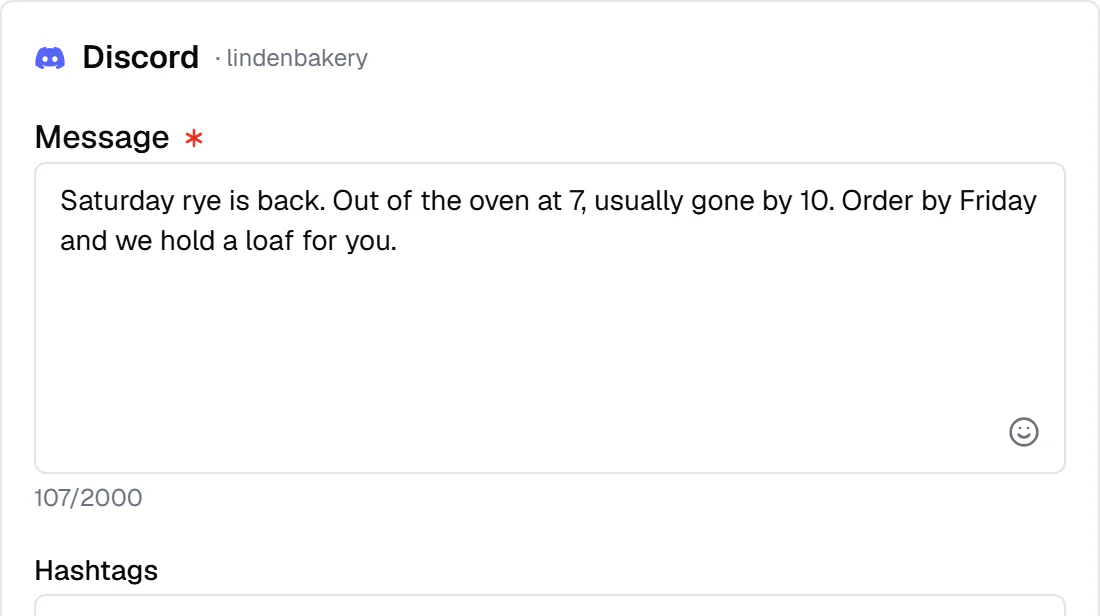
How Schedchie handles Discord
- No bot joins the server
- You approve one channel on Discord’s own screen and Discord creates a webhook for it. Nothing appears in your member list and there is no bot to give roles to.
- The 20 MB limit is stated up front
- Every file has to be 20 MB or less, and that includes video. A clip that fits on TikTok may not fit here. A larger file is refused when you schedule it, never at publish time and never swapped for a link.
- One connection per channel
- Each channel connects on its own and you name it, because Discord does not tell an app without a bot what a channel is called.
- Your server’s name and icon
- Posts show the server’s name and icon as the sender.
- Delete from Schedchie
- Remove a published post from the channel without opening Discord.
Every channel in the same batch
Connect each channel once. From then on Discord is another row in the same weekly batch, with its own text where you want it: the announcement on Tuesday, a silent post on Thursday, the poll on Friday.
Discord analytics
Member and online counts for each server, over time, and the results of the polls you post. Discord gives apps no view, reach or click figures, so Schedchie shows none.
Any range, compared with the period before, CSV export.
Discord is included in the flat €7.99 plan: every account you manage, unlimited posts.
€4.99 add-on
Discord questions
How do I schedule Discord posts?
Connect a channel, write the post and pick the time. Discord shows its own screen for choosing the server and channel, and Schedchie publishes there at the time you set.
Do I have to add a bot to my server?
No. There is no bot and nothing joins your member list. Schedchie posts through a webhook Discord creates for the channel you approve.
Can I post video to Discord?
Yes, up to 20 MB per file. That is short, so longer videos will not go through Schedchie on Discord. Schedchie refuses them when you schedule and never sends a link instead.
Can I connect several channels?
Yes. Each channel is one connection that you name yourself, so a server with three channels you post to takes three connections. They are all included in the flat price.
Can it post to personal profiles?
No. Schedchie posts to server channels only.
Does it show views or clicks?
No. Discord gives apps no view, reach or click data. You get member and online counts over time, and poll results.
Schedule Discord with no per-post charge
Start free trial14-day free trialCancel anytime, no questions asked