
Dev.to articles from the markdown you already wrote, scheduled
Schedchie is a Dev.to scheduler for social media managers and agencies: up to 15 Dev.to accounts and no post limits for €9.99 a month, flat, on one calendar with 19 other platforms.
Paste the article, give it a title and up to 4 tags, pick the time. It goes out to Dev.to with its cover image, description, series and a canonical URL that points back to your own blog.
14-day free trialCancel anytime, no questions asked
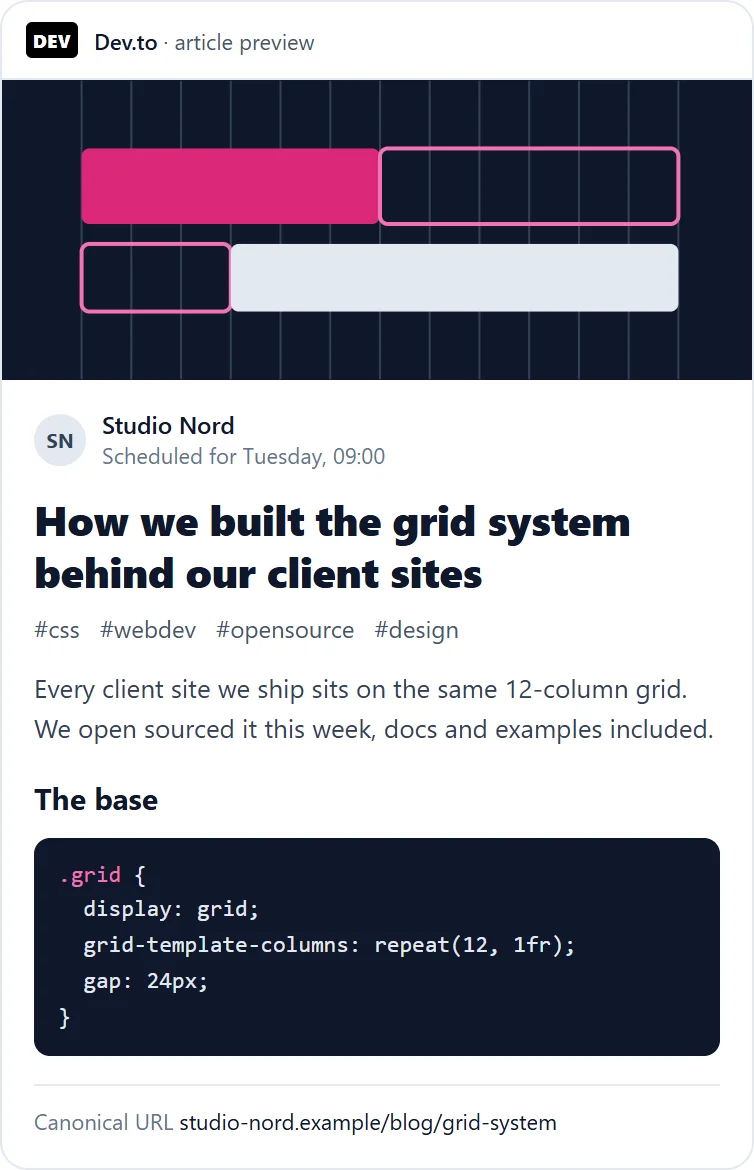
What you can schedule on Dev.to
100,000-character markdown articles, with a title up to 128 characters
- Articles
- A title up to 128 characters and a markdown body up to 100,000 characters, sent as you wrote it
- Tags
- Up to 4 per article, letters and digits, shown the way Dev.to will store them
- Cover image
- One image per article, used as its cover. Images inside the body are markdown image links, as on Dev.to
- Description, series, canonical URL
- Optional, set per article
Built for developers who publish on their own site and cross-post, and for developer relations and content teams that ship articles on a calendar.
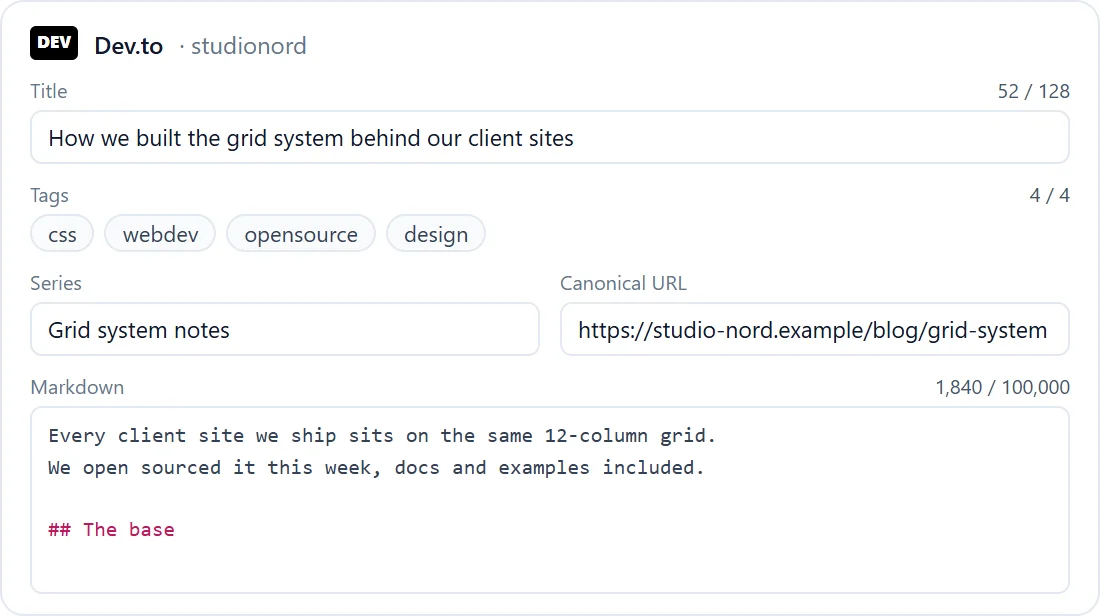
How Schedchie handles Dev.to
- Connect with an API key
- Generate a key at dev.to/settings/extensions and paste it in. No password, no consent screen. The key is stored encrypted and never sent back to your browser.
- Your markdown, as written
- Code blocks, tables, links and inline HTML go out unchanged. Nothing is escaped and no link is rewritten. A single line break inside a paragraph stays a line break.
- Line breaks stay line breaks
- Markdown joins two lines that have no blank line between them. Schedchie keeps the break you typed, outside code blocks, and blank lines stay paragraph breaks.
- Canonical URL for cross-posts
- Set the address of the original and the Dev.to copy names your blog as the source.
- Tags checked when you schedule
- “Next.js” becomes “nextjs” in the composer, the way Dev.to stores it. A fifth tag is flagged in the composer, never cut silently.
- Throttling handled
- Dev.to limits how fast one key can publish. A throttled article waits the time Dev.to asks for and goes out then, instead of failing.
- Delete means unpublish
- Dev.to’s API cannot delete an article. Deleting it from Schedchie turns it back into a draft on Dev.to, and Schedchie says so.
Your blog first, Dev.to the next morning
Publish on your own site, then schedule the Dev.to copy for the next day with the canonical URL pointing back. The same calendar holds the LinkedIn and Bluesky posts that announce it.
Dev.to posting record
Schedchie stores the link to every published article with its post, so the calendar shows what went out and where. Views and reactions stay on your Dev.to dashboard.
Dev.to is included in the flat €9.99 plan: up to 15 accounts, no post limits. Ultra (€24.99) covers unlimited accounts.
from €4.99
See pricingConnecting Dev.toDev.to limitsSchedule Dev.to articles from an AI assistant
Dev.to questions
What does a scheduled Dev.to article need?
An API key to connect, then a title and the time. Paste or write the article and Schedchie publishes it to your Dev.to account at that time.
Where do I get the Dev.to API key?
On dev.to/settings/extensions, under DEV Community API Keys: type a description, generate the key and paste it into Schedchie. To cut Schedchie off, disconnect it, or revoke the key on Dev.to.
Will my markdown come out the way I wrote it?
Yes. The body goes out as markdown, unchanged, with one exception: a single line break inside a paragraph stays a line break instead of joining the two lines. Code blocks are never touched.
Can I set a canonical URL?
Yes. Paste the address of the original article and Dev.to shows your blog as the source.
How does a Dev.to series get grouped?
By name. Give each article the same series name and Dev.to groups the parts.
Can I post video to Dev.to?
No. A Dev.to article takes one image, its cover: the first image you attach. Video is refused when you schedule.
Can I delete a published article?
Dev.to’s API has no delete. Deleting it from Schedchie unpublishes the article, which turns it back into a draft on Dev.to.
Can I schedule Dev.to with my other platforms in one place?
Yes. Schedchie is one social media scheduler for 20 platforms: Instagram, Facebook, TikTok, LinkedIn, Pinterest, YouTube, Threads, Bluesky, Mastodon, Telegram, Google Business Profile, Discord, Slack, WordPress, Dev.to, Hashnode, Ghost, Pixelfed, Listmonk and X (posting to X is paid in X credits, from €4.99). Pro is €9.99 a month for up to 15 accounts on each, 300 in all, with no post limits.
Can I schedule Dev.to articles from ChatGPT or Claude?
Yes, on every plan from €9.99, trial included. Point Claude, ChatGPT, Cursor or VS Code at mcp.schedchie.com and sign in on Schedchie's own page; your assistant can schedule, edit and retry Dev.to articles. Claude gets up to 88 tools, ChatGPT a core set of 14 (scheduling from ChatGPT needs its Business, Enterprise or Edu plan).
Schedule Dev.to with no per-post charge
Start free trial14-day free trialCancel anytime, no questions asked
Compare
- Schedchie vs Buffer
- Schedchie vs Hootsuite
- Schedchie vs Later
- Schedchie vs Metricool
- Schedchie vs Typefully
- Schedchie vs Postiz
- Buffer-Alternative (DE)
- Hootsuite-Alternative (DE)
- Later-Alternative (DE)
- Postiz-Alternative (DE)
- All alternatives
- The cheapest social media scheduler
- The best social media scheduler
- The AI social media scheduler
Platforms
- Instagram scheduler
- Facebook scheduler
- TikTok scheduler
- LinkedIn scheduler
- Pinterest scheduler
- YouTube scheduler
- Threads scheduler
- Bluesky scheduler
- Mastodon scheduler
- Telegram scheduler
- Google Business Profile scheduler
- Discord scheduler
- Hashnode scheduler
- Slack scheduler
- WordPress scheduler
- Listmonk scheduler
- Ghost scheduler
- Pixelfed scheduler
- X (Twitter) scheduler