


A visual content calendar makes scheduling social media posts more organized and efficient. The right scheduling tool can save time and keep your social media strategy consistent. Social media scheduling tools allow you to plan posts in advance, manage multiple accounts, and maintain a steady posting schedule without having to manually publish each update. In this article, we’ll highlight ten of the best free or budget-friendly social media management/scheduling tools – including their key features, limitations, and pricing – so you can find the perfect fit for your needs. Our list features a mix of forever-free plans and low-cost premium tools, all aimed at keeping your posting consistent without the manual work. One of them — Schedchie — is €7.99 a month flat for unlimited accounts and unlimited posts.
Prices move, so here is the 2026 position for every tool below, read off each vendor’s own page on 26 July 2026 and re-checked on 21 August 2026 wherever the vendor’s page still serves prices. Two shapes to notice before the reviews: CoSchedule and Sendible price per user, while Buffer and Publer price per account — that, not the headline number, is what decides your bill.
| Tool | Cheapest paid plan | What that price covers | Free plan? |
|---|---|---|---|
| Schedchie | €7.99/mo flat | Unlimited connected accounts and unlimited scheduled posts on 12 platforms. Posting to X is a separate €4.99 add-on per 30 posts. | No. 14-day trial with every feature |
| Predis.ai | $19/mo billed annually (Core) | 10 social accounts, 1 brand, 1,300 AI credits/mo. | No |
| Buffer | $5 per channel/mo billed yearly ($6 monthly) | Essentials, billed per channel. Paid “unlimited” posting is a 5,000-posts-per-channel fair-use cap per Buffer’s own pricing page. | Yes. 3 channels, 10 posts each |
| Publer | $5 per account/mo ($4 billed annually) | Professional, per account; every 10th account free. Read 11 August 2026 — Publer’s plans page has not loaded since. | Yes. 3 accounts, no X |
| Later | $18.75/mo billed yearly (Starter) | 1 social set, 30 posts per profile per month. | No — discontinued |
| CoSchedule | $19 per user/mo annual ($29 monthly) | Social Calendar: 3 profiles, up to 3 seats; extra profiles $5. X profiles billed separately at $16. | Yes. 1 profile, 15 scheduled messages |
| Metricool | €20/mo (€16 billed annually) | Starter, 5 brands. | Yes. 1 brand, 20 posts/mo |
| Sendible | $35/mo (Core) | 1 user, 6 profiles. Sendible renders prices client-side; figure read in-browser 14 August 2026. | No — 14-day trial |
| Planoly | $14/mo billed annually (Starter) | 1 social set. Read 13 August 2026. | Yes, mobile-app tier |
| Meta Business Suite | Free | Native Facebook and Instagram scheduling only. No third-party platforms. | Yes — it is free |
Every figure read off each vendor’s own pricing page — first on 26 July 2026, re-checked 21 August 2026 for Buffer, Later, Metricool and Hootsuite (no changes); Publer was last readable on 11 August, Sendible and Planoly were read in-browser on 14 and 13 August. Each tool name links to the page it came from; currency as each vendor displays it, unconverted. The full 25-vendor market census lives in our social media scheduler pricing index. Prices move, so if one of these is wrong now, tell us and we will fix it.
What to Look For in a Social Media Scheduler
Choosing a social media management tool can be overwhelming. Here are a few key features to consider when evaluating different schedulers:
Multi-Platform Support: Ensure the tool supports all the social networks you use (Facebook, Instagram, X/Twitter, LinkedIn, TikTok, etc.) so you can manage everything in one place. The best tools let you post to multiple platforms at once and even plan for newer channels (like Threads or Bluesky) as your needs grow.
Content Calendar & Visual Planner: A drag-and-drop calendar view is invaluable for planning and organizing posts. A clear visual content calendar helps avoid overlaps or gaps in your schedule and gives an overview of all upcoming posts. Some tools also offer grid or feed previews (great for Instagram aesthetics).
Scheduling & Automation Features: Look for the ability to queue up posts at set times, plus bulk uploading — a CSV import can move a month of content into the queue in one step.
Collaboration & Approval: If you work in a team or with clients, features like multi-user access, draft feedback/comments, and approval workflows are important. The ability to assign tasks or get approval on content before it goes live keeps drafts moving without long email threads.
Analytics & Inbox: Bonus features like analytics dashboards or unified social inboxes for comments/DMs can turn a scheduler into a full social media management suite. These can help you track performance and engage with your audience, though they might come only with paid plans on some tools.

Keep these factors in mind as we explore the top tools below. Now, let’s dive into the best free and affordable social media scheduling tools available in 2026. (All prices re-checked on official pricing pages, August 2026.)
1. Schedchie – All-in-One Scheduler with Unlimited Posting at a Low Cost
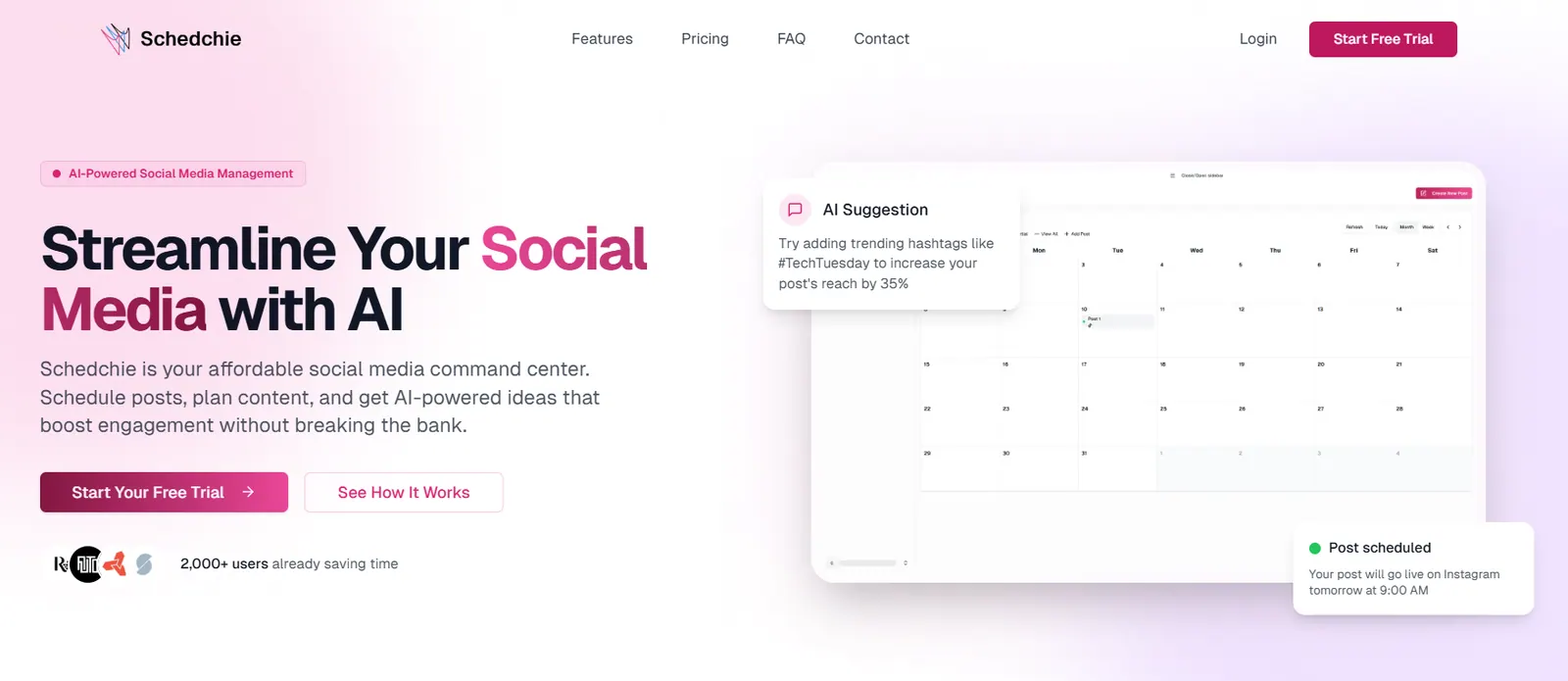
Schedchie is a newer platform that positions itself as “your affordable social media command center.” True to that motto, Schedchie offers unlimited scheduling and social accounts for a flat €7.99/month (~$8), which is a fraction of what many competitors charge for similar capabilities. Despite the budget-friendly price, it packs a full feature set ideal for individuals, creators, and small businesses looking to level up their social media game without breaking the bank.
Key features of Schedchie include a unified content calendar for all your connected profiles and an MCP server that lets you drive it all from your own AI Assistant. The content planner supports twelve platforms (Facebook, Instagram, LinkedIn, TikTok, YouTube, Pinterest, Threads, Bluesky, Mastodon, Telegram and Google Business Profile — X is available as the €4.99 add-on), allowing you to schedule and cross-post with ease. Notably, Schedchie’s pricing includes everything in one plan: unlimited posts, all platform integrations, and an MCP server that the AI assistant you already pay for can drive. There are no AI credits to buy and no per-account fees.
Schedchie’s MCP server connects the AI assistant you already use to your posting queue. That assistant can draft captions, brainstorm post ideas, recommend hashtags, and match your brand’s tone over time. Ask it to spread a week of posts across your posting schedule and it writes them straight into the queue over the MCP connection. The drafting happens in your assistant, the scheduling and publishing in Schedchie’s dashboard.
Why Schedchie? If you’re tired of hitting limits on “free” plans or paying $30+ per month for premium schedulers, Schedchie presents a refreshingly cost-effective alternative. You get a full-featured scheduler with real collaboration — invited members, post approvals and client review links all shipped in July 2026 — analytics pulled from the platforms’ own APIs, and no cap on how many posts or accounts you can manage. In short, Schedchie offers premium scheduling on a shoestring budget, making it an excellent choice for those seeking maximum value. It also comes with a 14-day free trial, so you can test everything risk-free.
2. Predis.ai - Social Media Content Creation and Auto Posting Tool
Predis.ai is a platform that positions itself as one of the best AI auto-posting tools for social media, thanks to its smart scheduler. Users can create various advertising materials, including ads, videos, and social media posts, by simply entering basic text prompts. The service provides its complete set of functions at a price of $19 per month, which customers find affordable. The product offers a complete set of tools that enables creators, e-commerce businesses, and marketing agencies to create professional content without facing difficulties.
The core functions of Predis.ai include its AI-based creative generation and content scheduling. Users can easily create and schedule content across all major platforms, which include Facebook, Instagram, TikTok, LinkedIn, YouTube, Pinterest, and Twitter. The Core plan of $19 per month offers users advanced features, including AI ad creation, video generation, and brand management tools. You receive a complete creative and management package without needing to spend a premium price.
The AI of Predis provides more advanced capabilities than basic content creation. It can create advertisement texts, social media post descriptions, and recommended social media tags and UGC video advertisements that use digital human avatars. The system learns your brand voice during the content creation process and maintains uniformity across different channels. Your operational process becomes fully automated through one organized control center, which provides all necessary functions.
Why Predis.ai? The Predis.ai platform provides an all-in-one solution that replaces the need for multiple tools when you want to share one content piece. The platform provides built-in AI content creation solutions, tools for analyzing competitors, and content scheduling features. The application integrates directly with e-commerce platforms like Shopify and WooCommerce, which makes it an ideal solution for online merchants. They provide a 7-day free trial, which allows users to explore all features without financial commitment.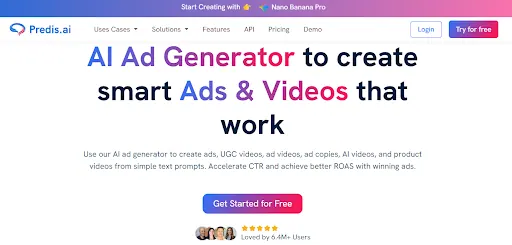
3. Buffer – Straightforward Scheduling with a Generous Free Plan
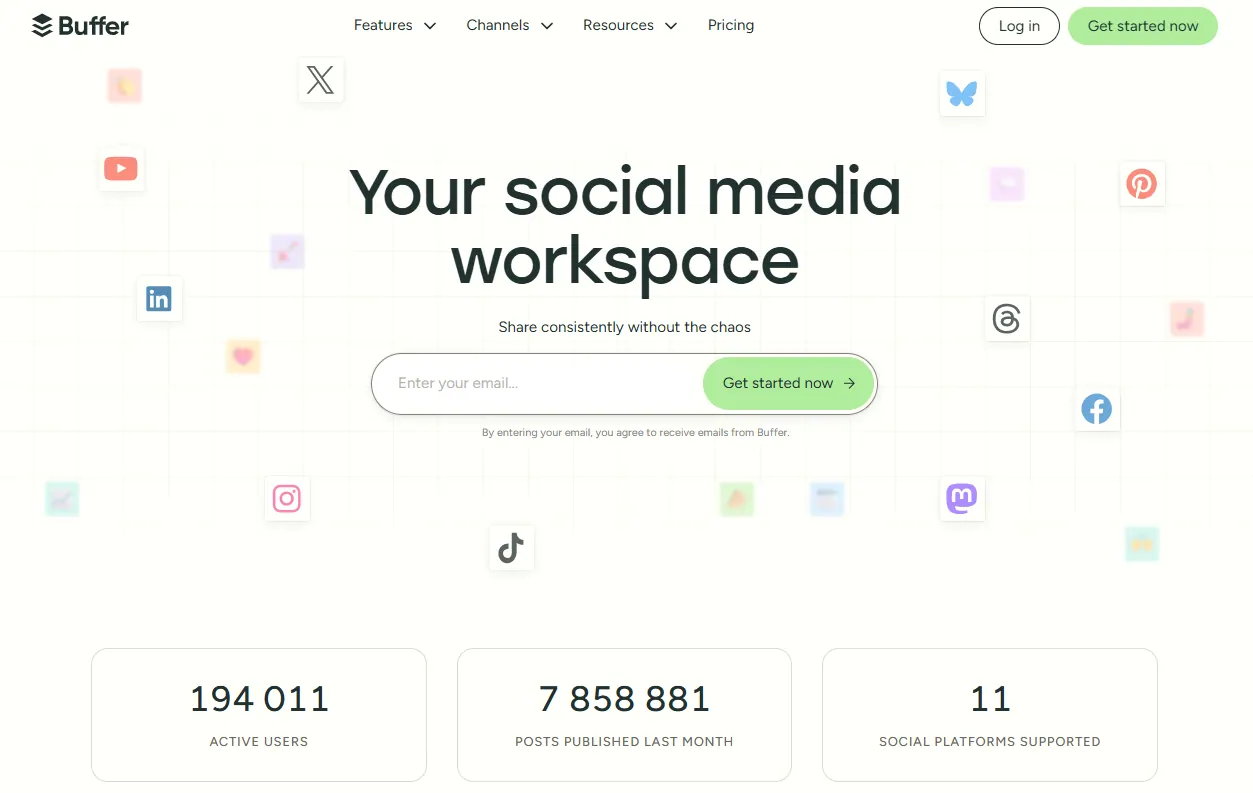
Buffer is a very popular and user-friendly tool for scheduling social media posts. It’s been around for over a decade and is known for its clean, dead-simple interface that focuses primarily on helping you schedule and publish content consistently across platforms. Buffer supports all the major networks – Facebook, Instagram, X (Twitter), LinkedIn, Pinterest, YouTube, TikTok, Threads, and more – and it allows you to manage everything from a single dashboard.
One of Buffer’s biggest draws is its free tier. The free plan lets you connect up to 3 social accounts (e.g. one Facebook, one Instagram, one Twitter) and schedule up to 10 posts per profile at a time. That means you can keep a small queue of upcoming posts for each of your three social channels without paying a dime. For a solo creator or small business with just a few profiles, this might be enough to schedule a week or two of content in advance. Buffer’s free plan also includes useful features like a basic social media calendar view and even an “Ideas” section to store content ideas.
When you need to manage more accounts or schedule more content, Buffer offers affordable paid plans. The Essentials plan is $5 per month per social channel billed yearly ($6 month-to-month) and removes the 10-post queue limit — though Buffer’s own pricing page defines paid “unlimited” as a 5,000-posts-per-channel fair-use cap — while also adding analytics and engagement tools. For example, if you want to schedule to 5-6 channels, you’d pay $25–$30/month on Essentials at the yearly rate. Buffer has a Team plan ($10 per channel) if you need additional users or collaboration features. The nice thing is you can pick and pay for exactly the number of channels you need, which keeps the cost low for small setups (and all plans come with a 14-day free trial).
Overall, Buffer is an excellent starting point for straightforward social media scheduling. The interface is very beginner-friendly – you simply add content to each channel’s queue, set posting times, and Buffer takes care of publishing on schedule. It may lack some advanced bells and whistles of pricier tools (like deeper team workflows or social inbox features), but for a single low-volume channel its free plan covers the basics. Connect a second channel, though, and the per-channel fee already costs more than a flat €7.99 — Schedchie vs Buffer has the crossover math.
4. Publer – Free Social Media Scheduler with Multi-Account Support
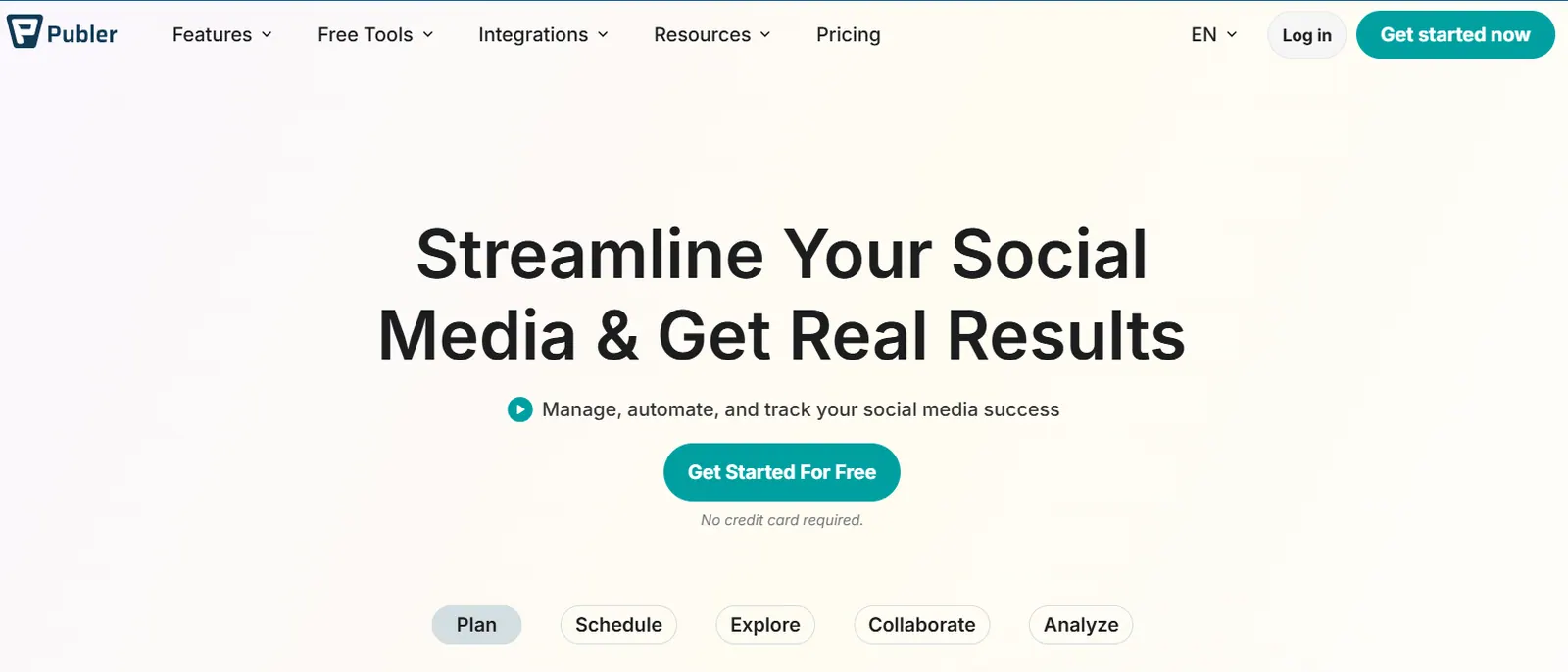
Publer is another top choice when it comes to free social media scheduling tools. In fact, Publer is often praised as “one of the best free social media schedulers on the market” because its free plan is quite functional. With Publer’s free version, you can connect up to 3 social accounts (from any of their supported platforms) and schedule up to 10 posts per account at a time. This effectively gives you a capacity of 30 total scheduled posts queued (e.g. 10 each on Facebook, Twitter, and LinkedIn), which resets as posts publish – similar in scope to Buffer’s free offering.
Publer supports a range of platforms: Facebook, Instagram, Twitter (X), LinkedIn, Pinterest, Google Business, and more. Its interface includes a calendar view and even some nice extras like a built-in image editor and Canva integration on the free tier. You can also create basic content libraries (drafts, ideas) and use features like link shortening and hashtag presets without charge. Another perk is that Publer’s free plan has no time limit – you can use it forever (not just a trial) as long as its limitations work for you.
For those who need more power, Publer offers paid plans (Professional and Business) that increase the number of social accounts, allow more scheduled posts, and add features like analytics and team collaboration. Publer prices per account: Professional is $5 per account/month ($4 billed annually), with every 10th account free — figures read from Publer’s plans page on 11 August 2026; the page has not loaded since. But many solo users might find they can manage with the free plan for quite a while, especially if you have only a few profiles to handle.
In summary, Publer’s free scheduler is a strong alternative to Buffer. It gives you slightly different limits (3 accounts, 10 posts each) and has a few unique features built-in. The ability to schedule posts for free across three social networks indefinitely is a big plus for budget-conscious marketers. If you’re comparing free plans, it’s worth giving Publer a try alongside Buffer to see which interface and workflow you prefer for basic scheduling tasks.
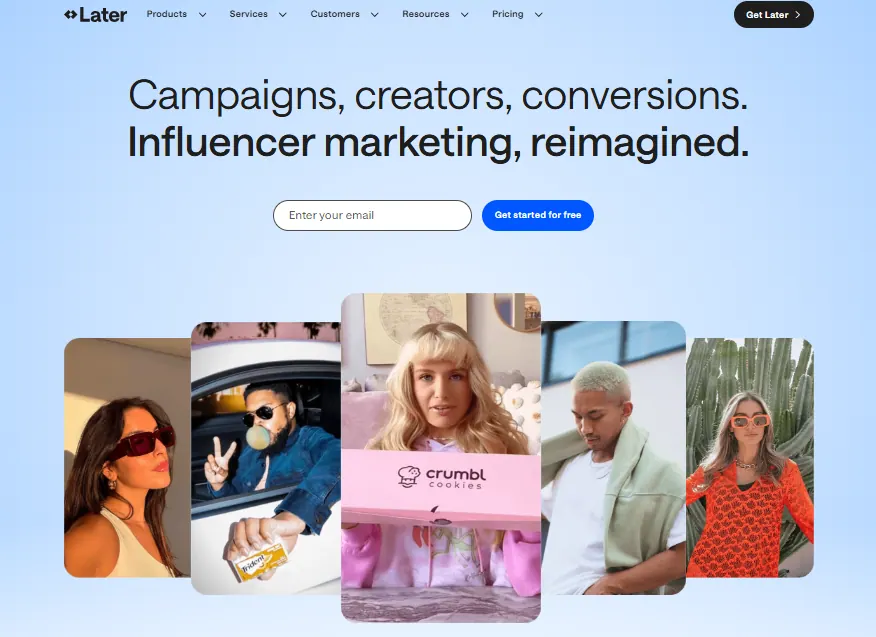
5. Later – Visual Planner Ideal for Instagram (14-Day Free Trial)
Later is a well-known social media scheduling tool that originally launched as “Latergramme,” focused on Instagram scheduling. It has since expanded to support TikTok, Facebook, Pinterest, LinkedIn, Twitter (X), and more. However, Later is still best known for its Instagram capabilities and visual content planner. If your social media strategy is heavily centered on visual platforms (Instagram, Pinterest, TikTok), Later offers specialized features like an Instagram grid preview and hashtag suggestions.
Using Later, you can plan out your posts on a calendar and visually design how your Instagram feed will look with its drag-and-drop grid view. For those managing Instagram, that can make it easier to maintain a cohesive and attractive feed.
It’s important to note that Later no longer offers a permanent free plan for new users. They moved to a free trial model. Currently, you can try Later’s full features for 14 days, but after that you’ll need to choose a paid plan (Starter is $18.75 per month billed yearly, for one social set). In the past, Later did have a limited free tier, but as of early 2023 they discontinued the forever-free plan for new signups. So, Later is not “free” beyond the initial trial – it’s more of a premium tool for serious users who are willing to invest in an Instagram-first scheduler. Starter also meters you at 30 posts per profile a month; Schedchie vs Later sets that against unlimited posting at €7.99.
Bottom line: Later is definitely worth considering if Instagram (and Pinterest/TikTok) are your primary platforms and you value visual planning. Its interface and tools are tailored for social media marketers who live and breathe visuals. But for purely budget-minded users, keep in mind you’ll have to pay after the trial. If you need an Instagram scheduler and want a free solution, you might explore Planoly (discussed below) or Meta’s native tools, since Later has shifted to paid-only usage for the long term.
6. CoSchedule – Content Calendar for Social Media (Includes Free Plan)
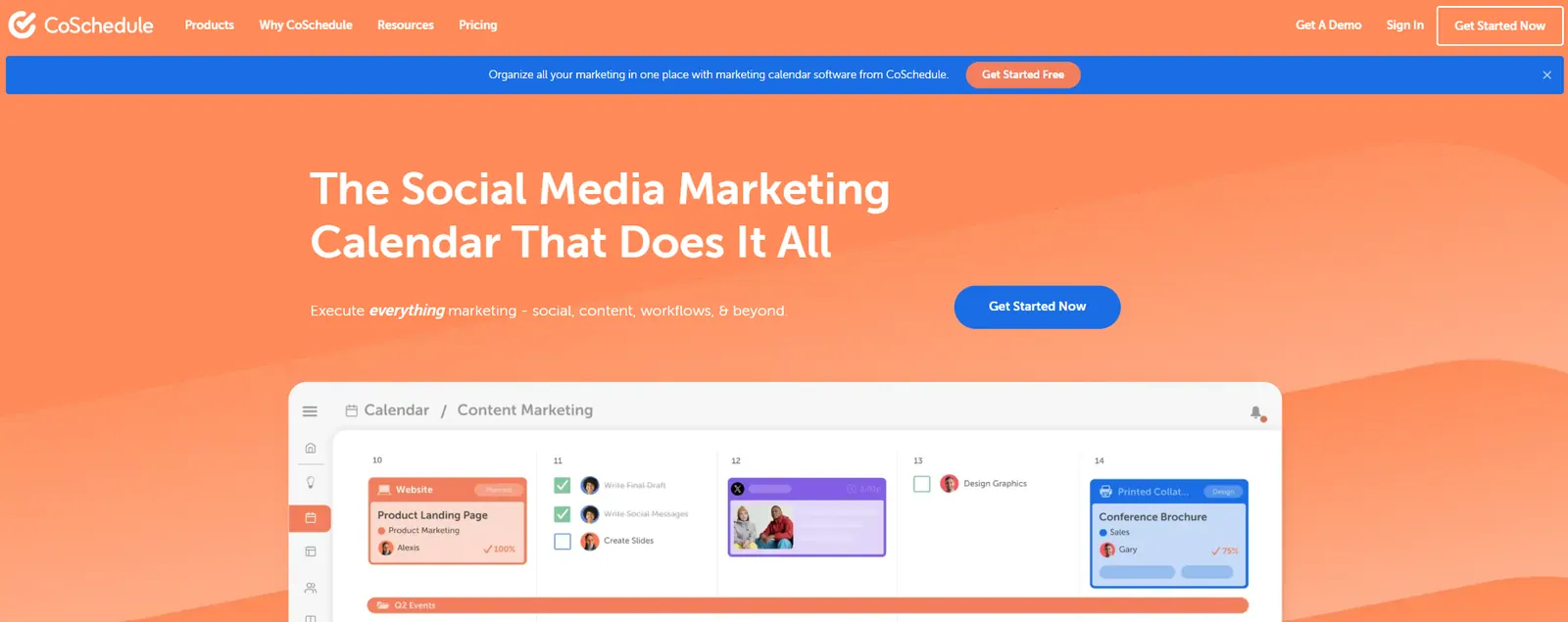
CoSchedule is a bit unique on this list because it’s not just a social media scheduler – it’s a broader content calendar system that can manage blog posts, newsletters, and other marketing content alongside social posts. For social media scheduling specifically, CoSchedule provides a clean calendar interface and broad planning features to coordinate posts across Facebook, Twitter, LinkedIn, Instagram, Pinterest, TikTok, and more. It’s especially useful if you want to see all your content (not just social) in one unified calendar, which can be great for content marketing teams.
One attractive aspect is that CoSchedule offers a free tier called the “CoSchedule Marketing Calendar Free.” The free plan is fairly limited but allows 1 user and 1 social profile, capped at 15 scheduled messages (intended for evaluation or very basic use). This free option could work if you just need to manage, say, a Facebook and Twitter account and want a combined content calendar view. However, for more serious use you’d look at their paid plans.
CoSchedule’s paid Social Calendar plan is $19 per user/month billed annually ($29 with monthly billing) and covers 3 social profiles — extra profiles are $5/month, and X/Twitter profiles are billed separately ($16/month). The paid plans open up the rest of CoSchedule, including unlimited social channels, a broader marketing calendar, task assignments, and integration with other tools like WordPress for blog scheduling. Teams that need to coordinate social media with blog publishing schedules or marketing campaigns might find CoSchedule extremely helpful.
In summary, CoSchedule is ideal for those who want a holistic content scheduling platform. It’s probably overkill if you only care about social media posts and nothing else. But if you like the idea of one master calendar for everything – and maybe scheduling a tweet to promote each blog post automatically – CoSchedule can do that. The free plan gives a taste of the system (with limited social accounts), and the paid tier is there when you’re ready to organize all your content in one place.
7. Metricool – Freemium Scheduler with Analytics and Bulk Posting
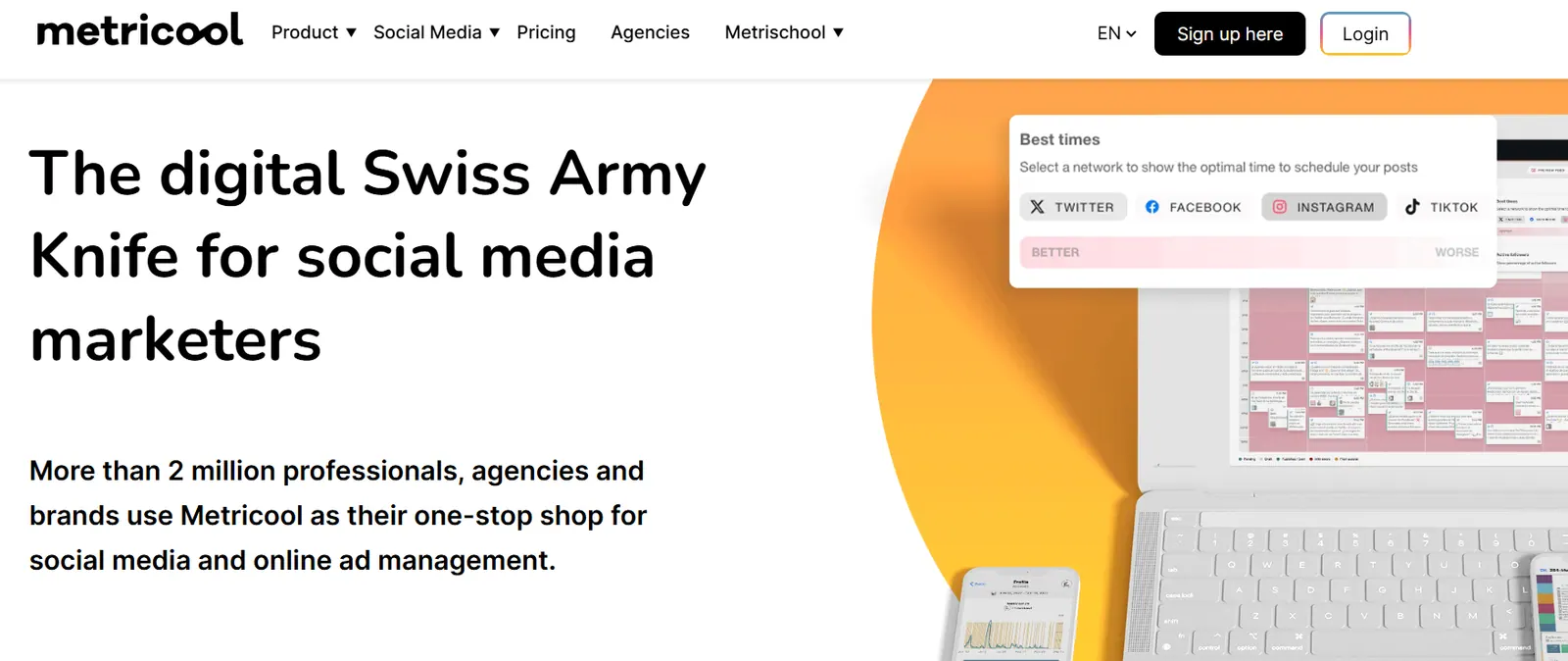
Metricool is a rising star among social media management platforms, known for offering a solid free plan and affordable upgrades. It supports scheduling to an extensive list of platforms: Facebook, Instagram, Twitter/X, LinkedIn, Pinterest, TikTok, YouTube, Twitch, Google Business, and even ads platforms for reporting. Metricool combines scheduling with a strong analytics component, giving you insights on your posts’ performance and even competitor analysis in higher plans.
For scheduling, Metricool provides a visual planner (including a neat heatmap view that highlights the best times to post). You can also do bulk scheduling – for example, uploading a CSV of posts or connecting your blog’s RSS feed to auto-schedule new posts to social media, which is handy for content repurposing.
Metricool’s free plan allows you to manage one brand with a certain number of social accounts and up to 20 scheduled posts per month. That 20 posts/month limit is a key detail (the cap was 50 in earlier years — it tightened): it means the free tier is suitable for low-volume posting schedules, but heavier users will need to upgrade. The paid plans start at €20 per month (€16 billed annually) for Starter, which lifts that posting limit to 5 brands and adds more features. The higher plans introduce team collaboration, more in-depth analytics, and additional social profiles.
One of Metricool’s strengths is its analytics dashboard, even for free users. You can track your audience growth, see best-performing posts, and even monitor ad spend or competitor pages (in paid tiers). This makes Metricool a nice all-in-one choice for those who want both scheduling and analytics without using separate tools.
In conclusion, Metricool is an affordable all-in-one scheduler/analytics tool. The free plan is generous enough to let you try out its scheduling (up to 20 posts a month may be enough for a single user). If you find Buffer or Publer too limiting in terms of queued posts, Metricool’s free allowance could be attractive. And if you decide to upgrade, the pricing is still quite reasonable for the feature set. It’s a good middle-ground option between basic free schedulers and pricier professional suites.
8. Sendible – Affordable Management Platform for Small Teams
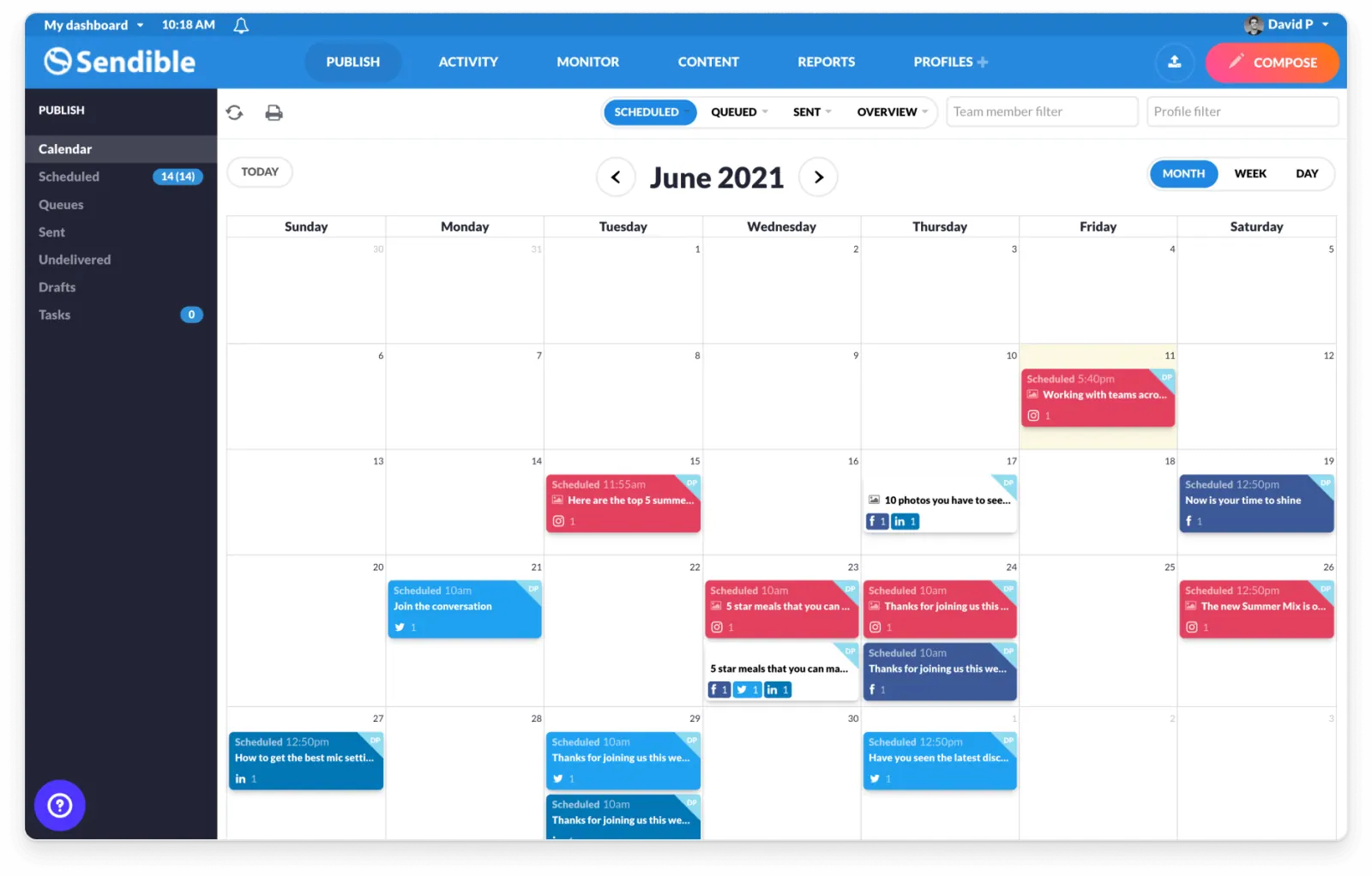
Sendible is a well-established social media management platform that often flies under the radar compared to bigger names. It offers a comprehensive set of features – scheduling (with a calendar view), a unified social inbox, content libraries, and detailed analytics reports – but at a price point geared toward small businesses and agencies. Sendible connects with all the major networks (Facebook, Instagram, Twitter, LinkedIn, Pinterest, YouTube, Google Business, etc.) and even offers some unique integrations like Canva and royalty-free image search to help create content.
While Sendible doesn’t have a free plan, it does come with a 14-day free trial. After that, the paid plans start at $35/month (the Core plan: 1 user, 6 social profiles — Sendible renders prices client-side, so this was read in-browser on 14 August 2026), and the multi-user Plus tier is $99/month for 18 profiles. The entry plan includes core features like scheduling and basic reports. Higher tiers allow more users and profiles, plus advanced features like client approval workflows (useful for agencies). All plans include an “Assignments” system where you can create tasks or to-dos for team members (e.g. to draft or approve a particular post) – a lightweight project management feature for content calendars.
One standout feature is Sendible’s reporting: it can generate custom PDF reports on your social media performance and even has a report builder. This can be great if you need to present results to a client or boss regularly. For engagement, the unified inbox lets you respond to comments and messages from multiple platforms in one place.
Overall, Sendible hits a nice balance for those who need more than the basics but want to keep costs reasonable. It’s often mentioned as a simpler, more budget-friendly alternative to heavyweights like Hootsuite. With Sendible, you get a bit of everything – scheduling, collaboration, analytics, inbox – without the enterprise price tag. If you’re willing to invest $35 a month to manage your social media, Sendible may be worth a try (using the free trial to see if it fits your workflow). It can be especially useful for social media managers handling multiple client accounts, thanks to its team and approval features.
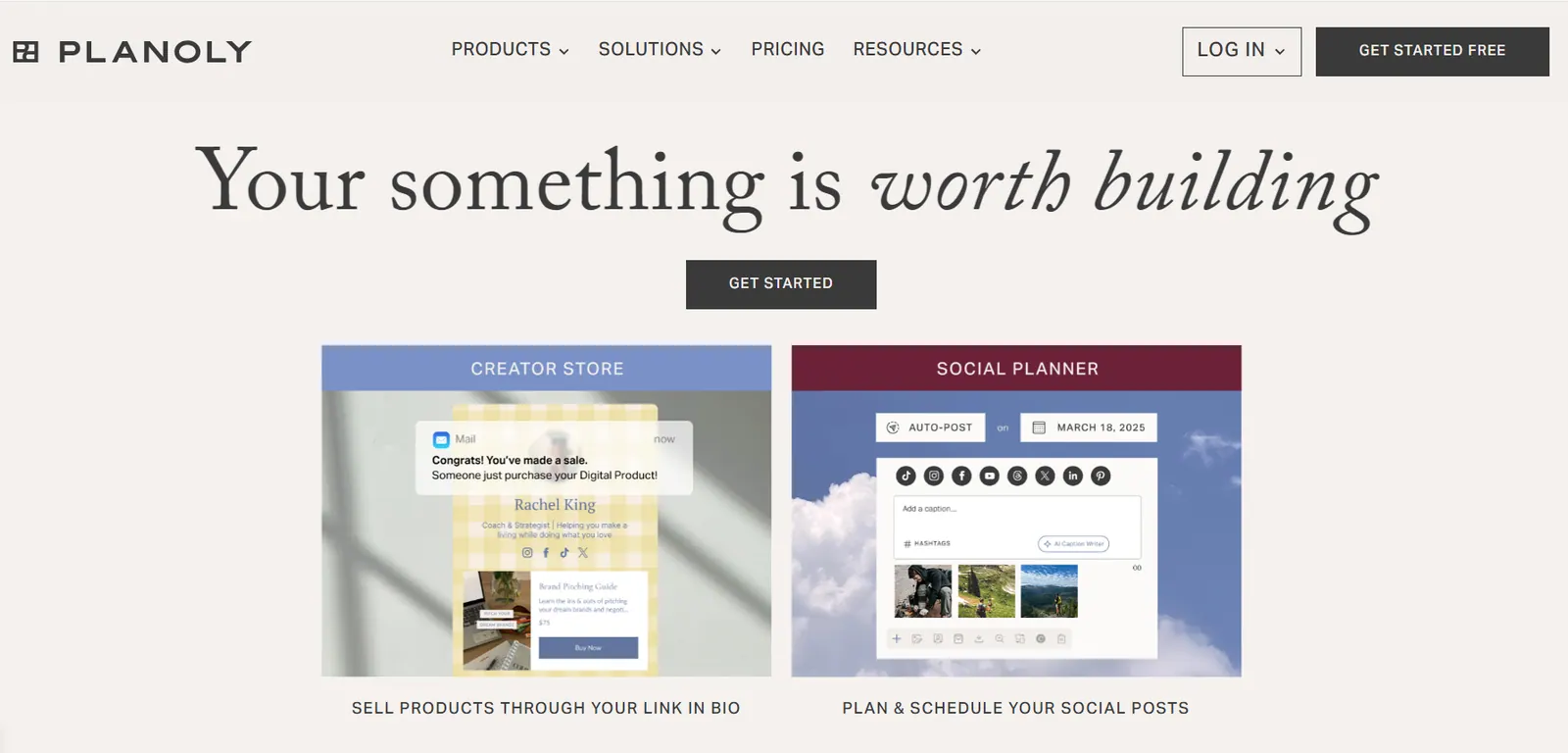
9. Planoly – Free Instagram & Pinterest Scheduler for Visual Planners
Planoly is a scheduler designed with Instagram and Pinterest in mind. It’s well-loved by influencers, creators, and businesses that focus on visual content. With Planoly, you get a sleek planner that lets you design your Instagram grid ahead of time, schedule posts and stories, and even schedule Pinterest pins. One of Planoly’s claims to fame is that it was one of the first official Instagram Partners for scheduling, which gave it a head start in offering reliable Instagram posting and analytics features.
For those on a budget, Planoly does offer a “forever free” plan (Personal plan). The free plan allows 1 social profile (either one Instagram or one Pinterest account) and up to 10 uploads per month for scheduling (note: the free tier now lives in Planoly’s mobile app; paid plans start at $14/month billed annually). Essentially, you can schedule 10 posts per month on the free tier, which might be enough if you post about once a day on a single platform. However, note that the free plan is limited to image posts (no videos) and the analytics it provides are only for the last 30 days of activity. Also, you can only have one account connected, so it’s truly meant for a single-profile user (for example, if you just want to manage your Instagram feed and nothing else).
Despite those limitations, Planoly’s free plan can be quite useful for solo Instagram users who want a dedicated visual planner. You can drag and drop to arrange your IG feed, save hashtag groups, and use Planoly’s Linkit tool to create a link-in-bio landing page – even on the free tier. If you find yourself needing more, Planoly’s paid plans start at $14/month billed annually and allow you to connect one “social set” (an Instagram + Pinterest account) with more uploads (60 per month on Starter) and features like video scheduling, auto-posting the first comment on Instagram, and so on. Higher plans increase to unlimited uploads and more users, which are great for larger teams managing a brand’s socials.
In short, Planoly is a top choice if Instagram or Pinterest is your main platform and you want a tool specifically tailored to those networks. The free plan is somewhat limited in volume, but it is free forever and gives you a solid taste of Planoly’s capabilities for visual scheduling. For a casual user or a small shop posting a few times a week on IG, Planoly free might suffice. For more active content creators, upgrading opens up the rest of its feature set. Compared to Later (which no longer has a free plan), Planoly stands out as a free Instagram scheduler option in 2026.
10. Meta Business Suite (Facebook/Instagram) – Built-In Free Scheduling by Meta
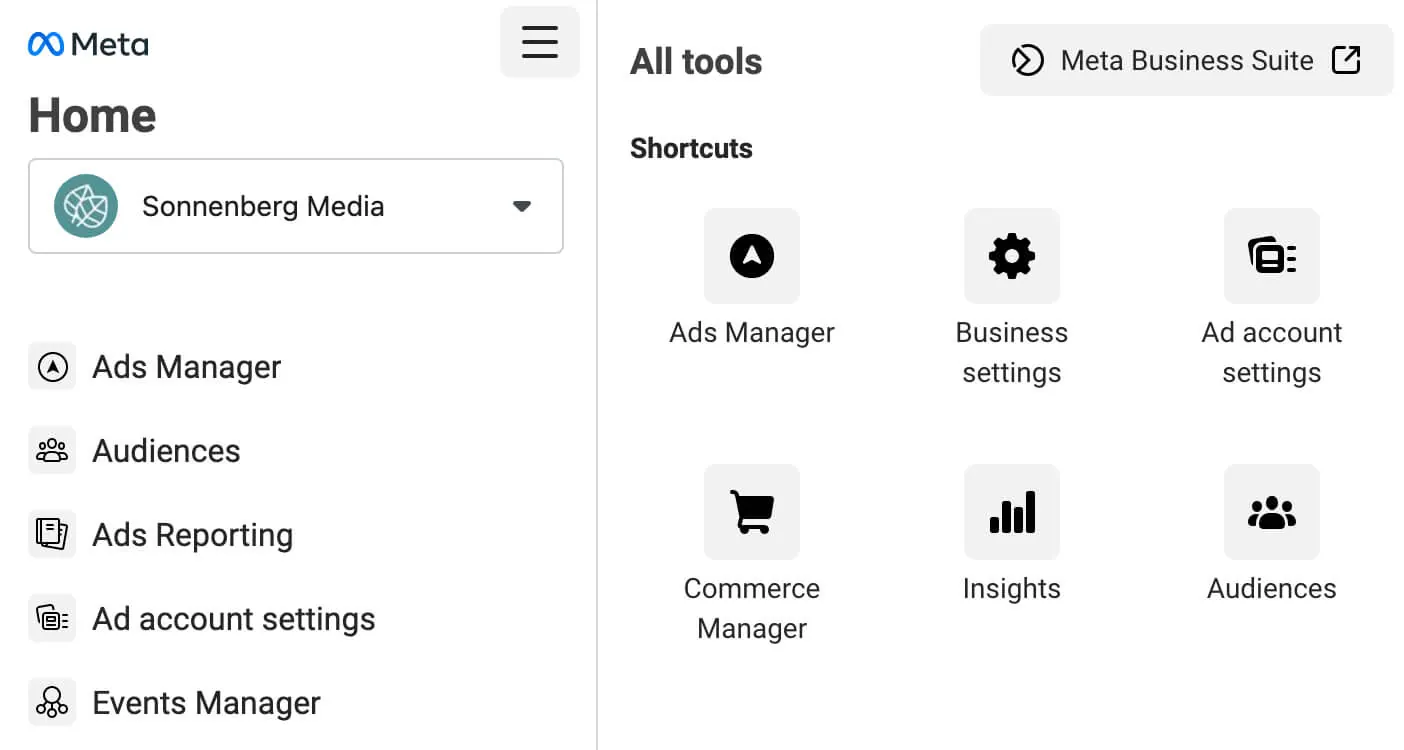
If your primary social media channels are Facebook and Instagram, you might not need a third-party tool at all – Meta provides its own free scheduling capabilities through the Meta Business Suite (formerly Facebook Creator Studio). This is a native tool provided by Facebook that lets you connect your Facebook Pages and Instagram accounts and manage posts, messages, and insights in one place. Using Meta’s tools, you can create and schedule posts, Reels, and even Stories for Facebook and Instagram without any additional cost.
With Facebook’s built-in scheduler, you can prepare posts in advance and set them to go live at specific times on your Page or linked Instagram. It includes a content calendar view so you can see your planned posts, and it offers basic analytics (like reach and engagement for each post) once they publish. The Business Suite also has an integrated inbox for managing comments and messages from both FB and IG, which is handy for engagement.
The best part is that this solution is completely free – anyone with a Facebook Page (or Instagram Business/Creator account linked to a Page) can use it. For small businesses or individuals focusing on these two platforms, it’s an accessible starting point. In fact, many social media managers use Creator Studio/Business Suite for Instagram scheduling to avoid additional apps.
However, there are a couple of caveats. First, Meta Business Suite is only for Facebook and Instagram – it won’t help you with other networks like Twitter, LinkedIn, or Pinterest. You would need a separate tool for those, which means jumping between platforms (one of the inefficiencies social schedulers aim to solve). As your social presence expands beyond FB/IG, relying solely on native schedulers becomes cumbersome. Second, while functional, the interface and features are more basic compared to dedicated scheduling tools. There’s no support for other platforms, limited teamwork features, and the scheduling interface can sometimes be less flexible than third-party apps.
In summary: if you’re on a zero budget and only care about Facebook and Instagram, the native Meta scheduling tools are a good starting option. You can’t beat free, and they get the job done for those specific platforms. But if you need to manage multiple social networks together or want advanced features (like a unified calendar for all socials, or AI assistance, etc.), you’ll eventually want to graduate to one of the multi-platform schedulers mentioned above. Think of Meta Business Suite as the free built-in baseline – effective for what it is but limited in scope.
Legacy Alternatives
Hootsuite – Veteran Social Media Manager (Powerful but Pricey)
Hootsuite is one of the oldest and most feature-rich social media management platforms. It’s an all-in-one solution for scheduling posts, monitoring your social feeds, managing comments, and analyzing performance across multiple accounts. Hootsuite supports a wide range of networks (Facebook, Instagram, Twitter/X, LinkedIn, YouTube, Pinterest, and more) and offers enterprise-grade features suitable for large teams and agencies. If you need a single tool that “does it all,” Hootsuite covers your bases – from scheduling content to running social media ad campaigns and social listening.
However, it’s important to note that Hootsuite is no longer free or “affordable” for most small users. In 2023, Hootsuite discontinued its free plan, and now only offers a 14-day free trial for new users. After the trial, the lowest paid tier (Standard) starts at $99 per user per month billed annually for 10 accounts — and the unlimited-accounts Professional tier is $199, a steep cost if you’re on a tight budget. Hootsuite’s higher tiers for teams and enterprises cost even more (hundreds per month) and are geared toward larger organizations with advanced needs.
In summary: Hootsuite remains a full-featured platform built for corporate social media management (scheduling, multi-account management, inbox/conversations, and analytics). But its high price and lack of a free plan mean it’s likely overkill for individuals or small businesses just needing a simple scheduler. Unless you truly need Hootsuite’s enterprise capabilities, you may find better value in some of the cheaper (or free) tools below. Many marketers now search for “Hootsuite alternatives” for this reason – and luckily, there are plenty of budget-friendly options (like Schedchie, Buffer, etc.) that can cover the basics at a fraction of the cost.

By exploring these tools, you’ll notice there’s no one-size-fits-all solution. The best social media scheduling tool for you depends on your specific needs: the number of accounts you manage, your budget, and which features matter most (be it a visual planner for Instagram, team collaboration, or just raw simplicity). The good news is that there are plenty of free and affordable options to choose from in 2026. And if you are committing your Q4 content volume now, the posting caps in the table above are exactly what bites in a heavy season — our Q4 2026 scheduler guide runs that math tool by tool.
For many users, starting with a free plan (Buffer, Publer, Planoly, or even Meta’s native tools) is a great way to get a feel for scheduling your content. As your social media presence grows, you might find that a small flat fee removes every cap at once. Schedchie in particular stands out for offering unlimited scheduling across all your social platforms at an extremely low cost, making advanced features accessible even to those with tight budgets.
Remember, the ultimate goal of any scheduling tool is to simplify your workflow and help you maintain a consistent posting cadence. Consistency and timing are key to social media success – and with the right scheduler on your side, you can achieve that without the stress of manual posting.
FAQ: Best Scheduling Tools in 2026
What is the best social media scheduling tool overall in 2026?
For value, Schedchie: €7.99/month flat for unlimited accounts and unlimited posts across twelve platforms — the only plan in this list that caps neither. For enterprise teams with enterprise budgets, Hootsuite remains the standard at $99 per user per month.
Which scheduling tools have free plans in 2026?
Buffer, Publer, Metricool (20 posts/month), CoSchedule (1 profile), Planoly (mobile app, 10 uploads/month), and Meta Business Suite. Later and Hootsuite offer trials only. Our free-plan census tracks all 25 vendors, not just the ten here.
Can I schedule YouTube and TikTok posts with these tools?
Mostly yes, with format caveats — several tools handle Shorts but not long-form uploads. Schedchie publishes both YouTube formats with thumbnails and per-video analytics; see the YouTube scheduler comparison, which matters more now that YouTube is doubling its monetization bar in February 2027. For TikTok paired with Pinterest, there is a dedicated guide.
Do any of these tools include AI features?
Several bundle their own AI writers, usually credit-metered and gated to higher tiers. Schedchie takes a different route: an MCP server that connects the AI assistant you already pay for — ChatGPT or Claude — straight to your posting queue, so drafting happens in the assistant and scheduling in Schedchie, with no extra AI credits to buy.
Try it: one plan, €7.99 a month, unlimited accounts and unlimited posts across twelve platforms, plus bulk CSV import when you are moving a backlog. Start the 14-day free trial or read what that looks like next to a $99 Hootsuite seat.